Address
304 North Cardinal
St. Dorchester Center, MA 02124
Work Hours
Monday to Friday: 7AM - 7PM
Weekend: 10AM - 5PM
Address
304 North Cardinal
St. Dorchester Center, MA 02124
Work Hours
Monday to Friday: 7AM - 7PM
Weekend: 10AM - 5PM
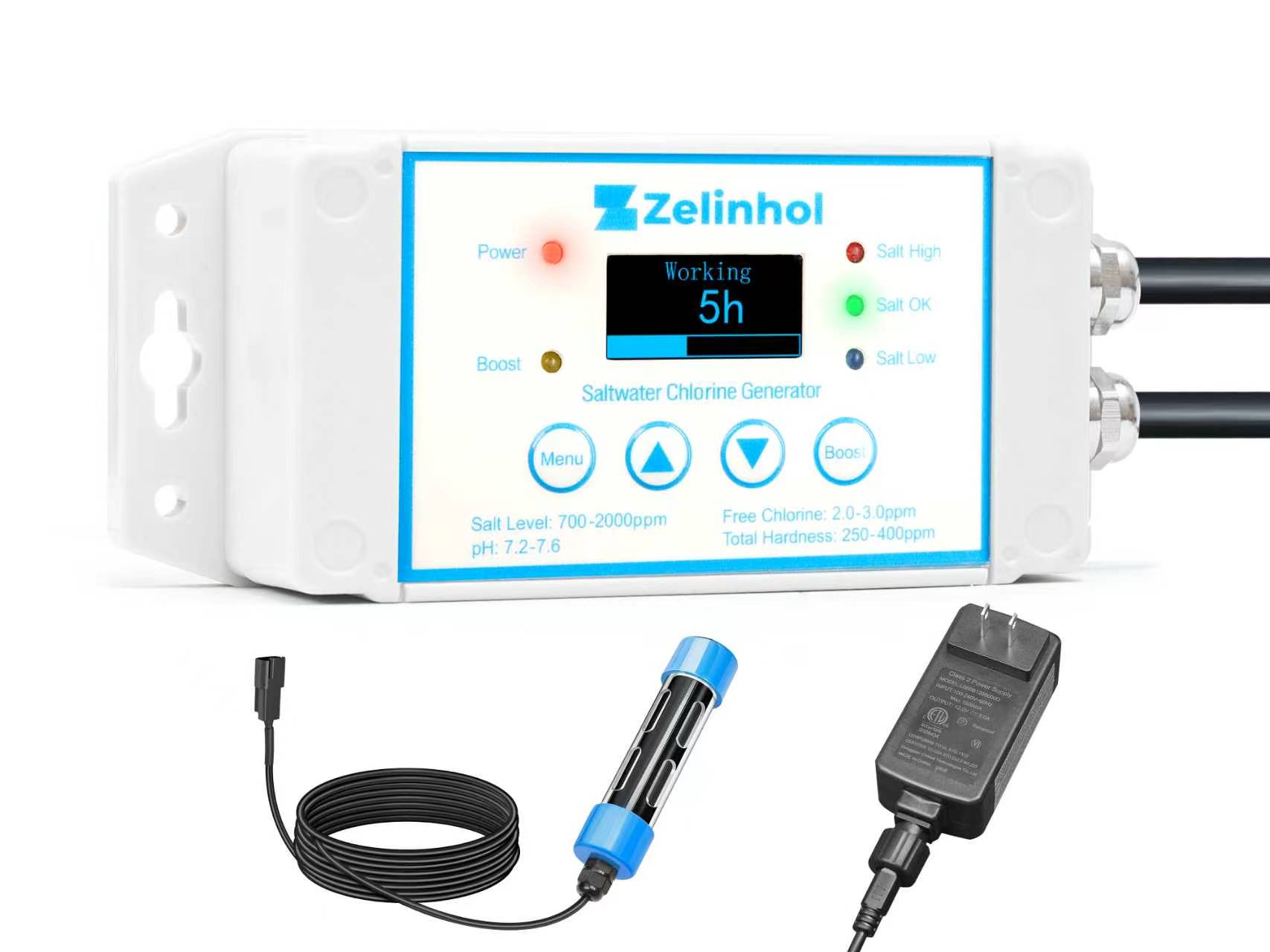
Everything you need to get your MagicSpa running instantly.
⚠️ Vital Safety Rule: Never plug the control box directly into a wall outlet. Always use the provided low-voltage power adapter plugged into a GFCI-protected outlet.
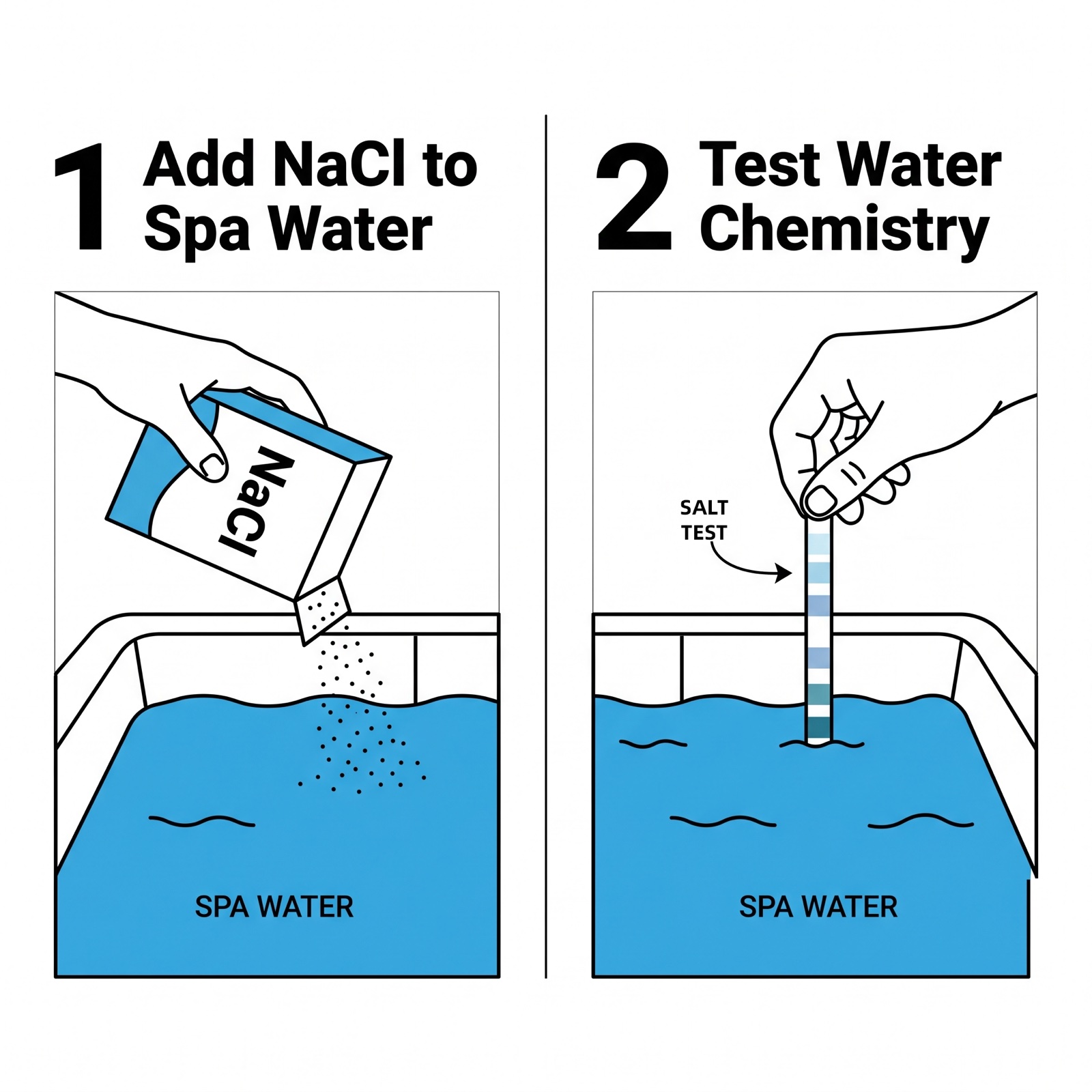
If you know your current salt level, use the salt calculator first to fine-tune the dose. Otherwise, add 2.5 cups of Pool Salt per 100 gallons (380L) of water. Turn on jets to dissolve, then test before adding more. Wait until water is 95°F (35°C).
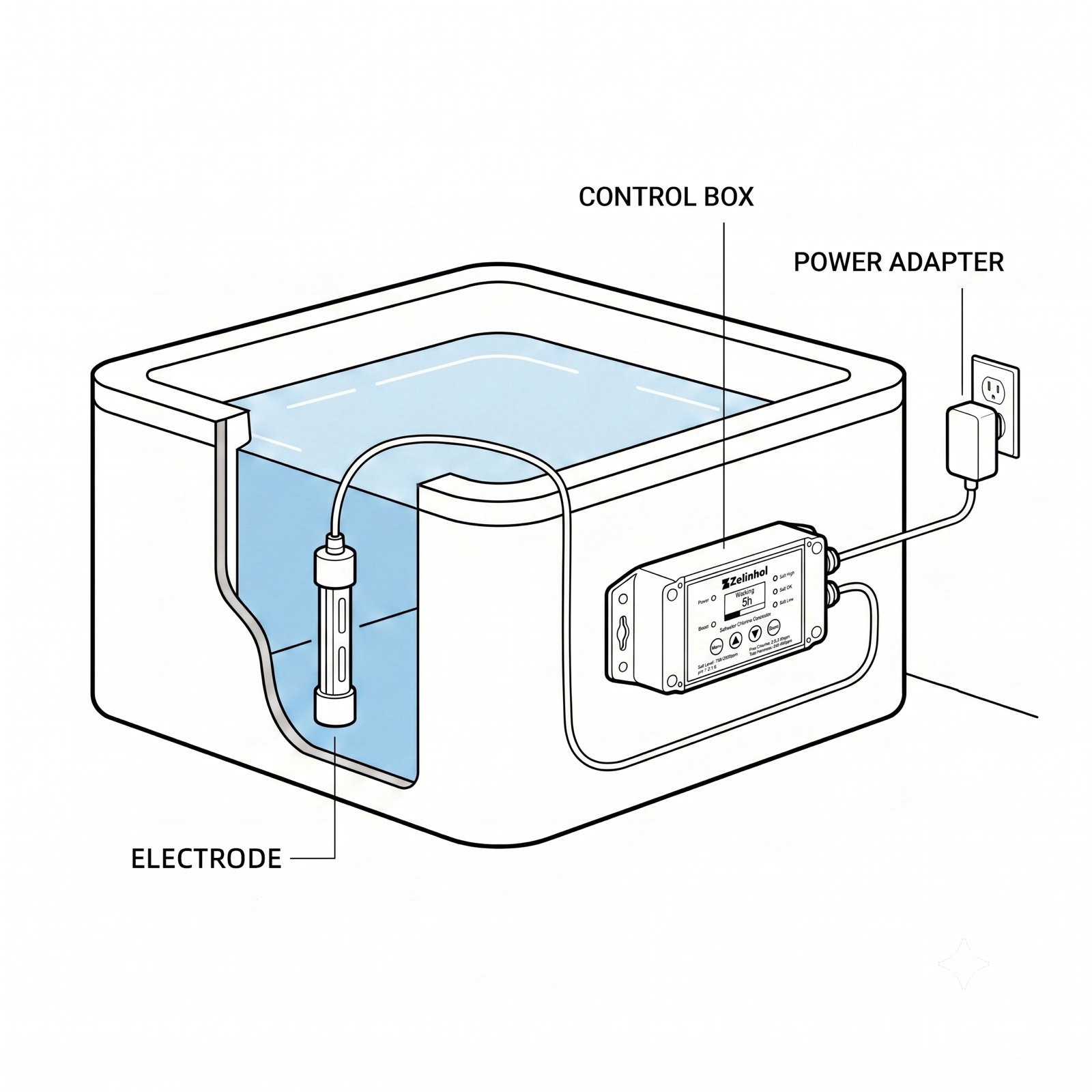
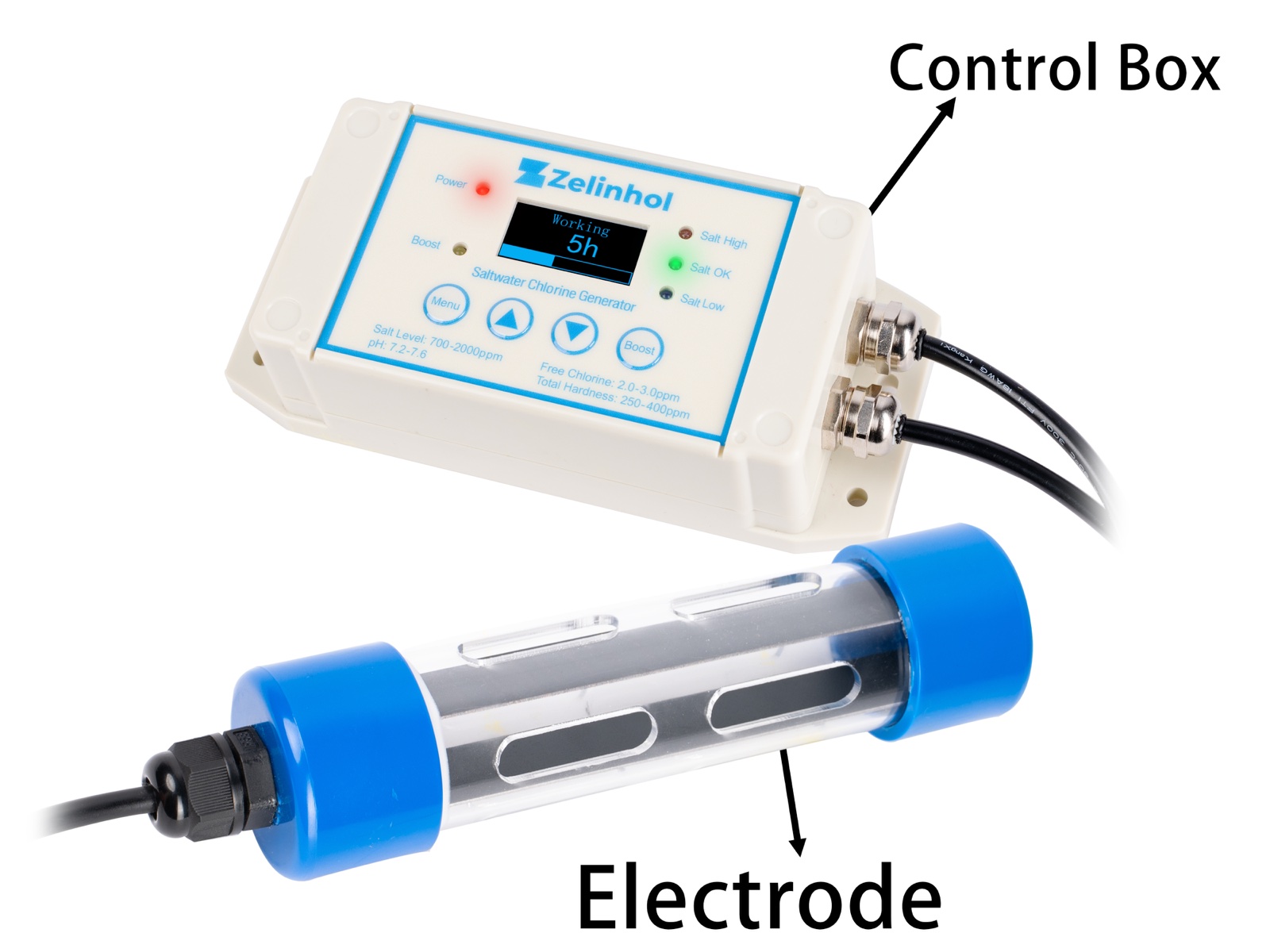
Drape the electrode over the side, hanging vertically in the deepest part of the spa. Plug adapter into a GFCI outlet.
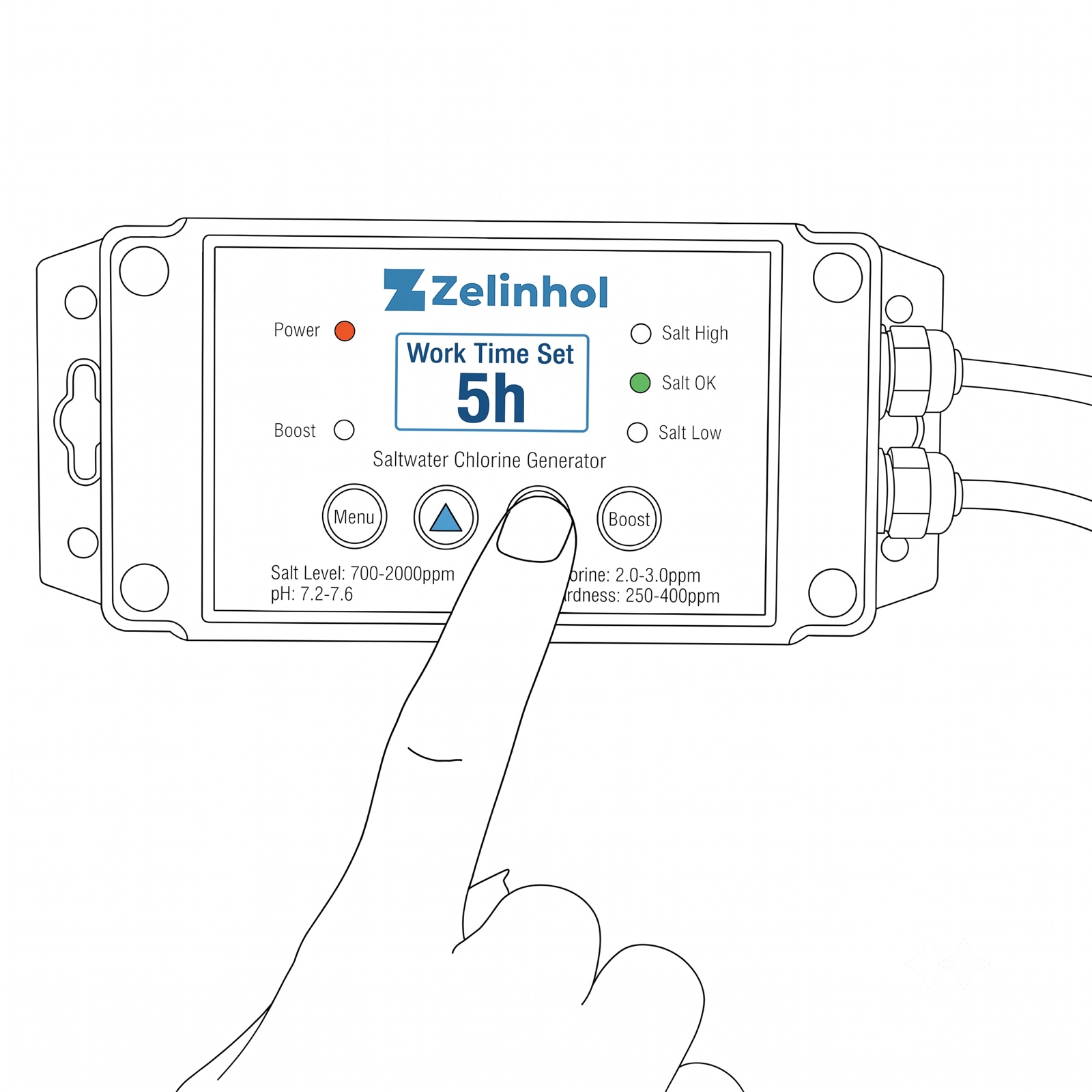
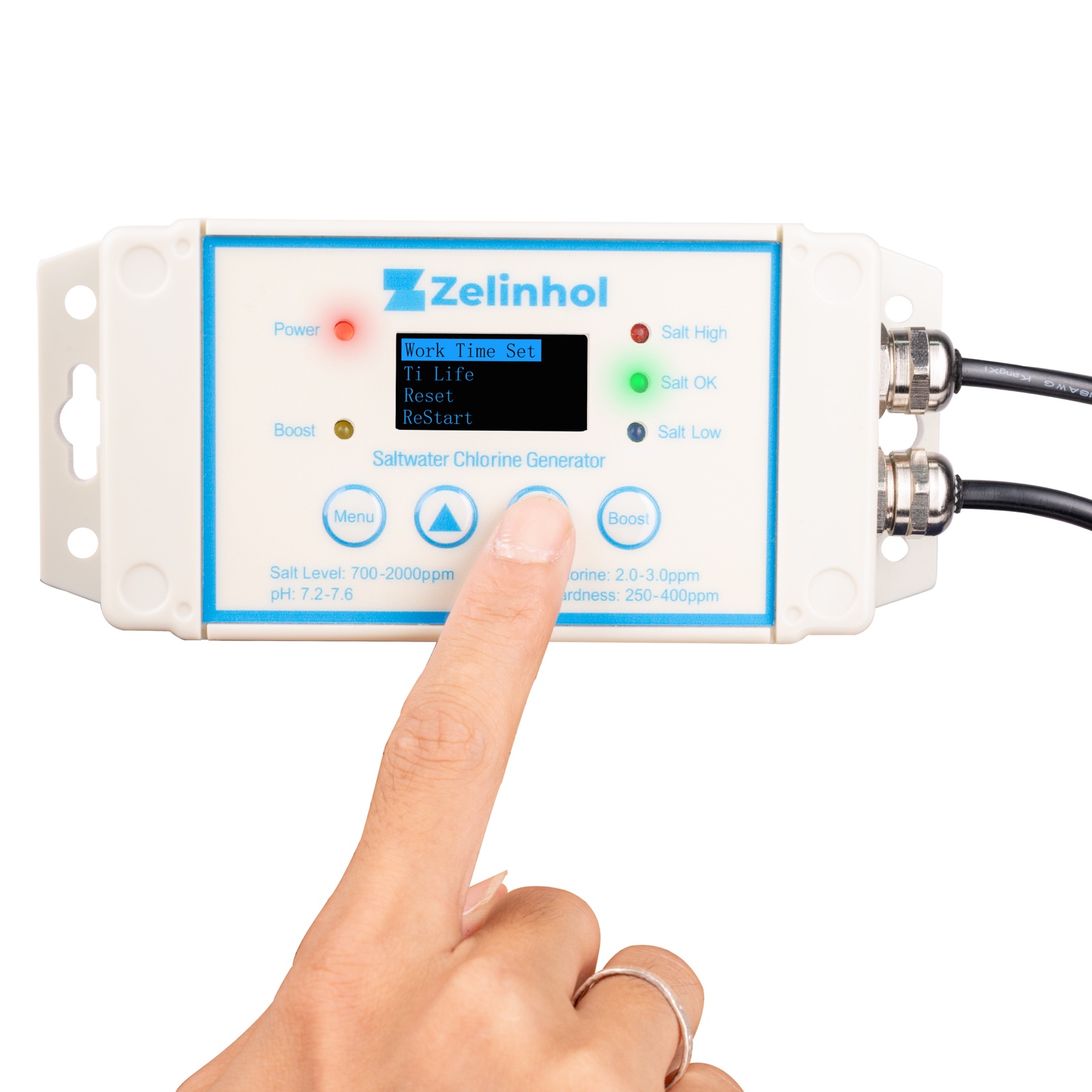
Press the “Menu” button to enter “Work Time Set”. Use the arrows to select hours (e.g., ‘5’ for 5 hours/day).
Use 99% pure Sodium Chloride (NaCl) pool salt without anti-caking agents. Operating salinity range is 500 – 2500 PPM (the start-up dose below lands near 1,800 PPM).
| Salt Type | Pounds | Kilograms | Cups | Target PPM |
|---|---|---|---|---|
| Sodium Chloride (NaCl) | 1.5 lbs | 0.7 kg | 2.5 cups | ≈1800 PPM (start) |
| Parameter | Recommended Level |
|---|---|
| Free Chlorine | 3 – 5 PPM |
| pH | 7.2 – 7.6 |
| Total Alkalinity | 80 – 120 PPM |
| Total Hardness | 150 – 250 PPM |
Tip: Always start with less salt than you think you need. It is much easier to add salt than to drain water to remove it!
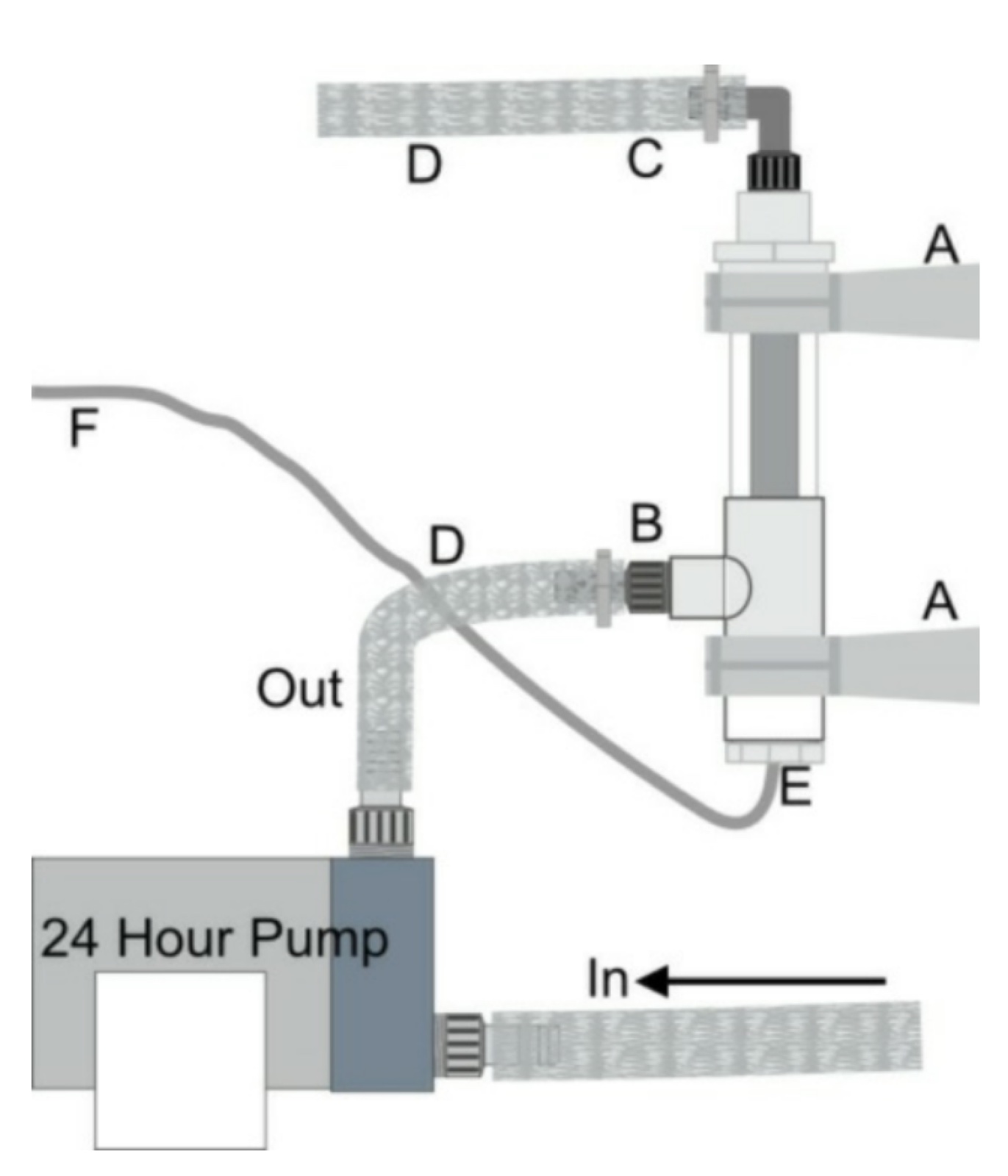
For hidden setup, connect to the continuous (24-hour) circulating pump bypass. Do not install in the main high-pressure flow.
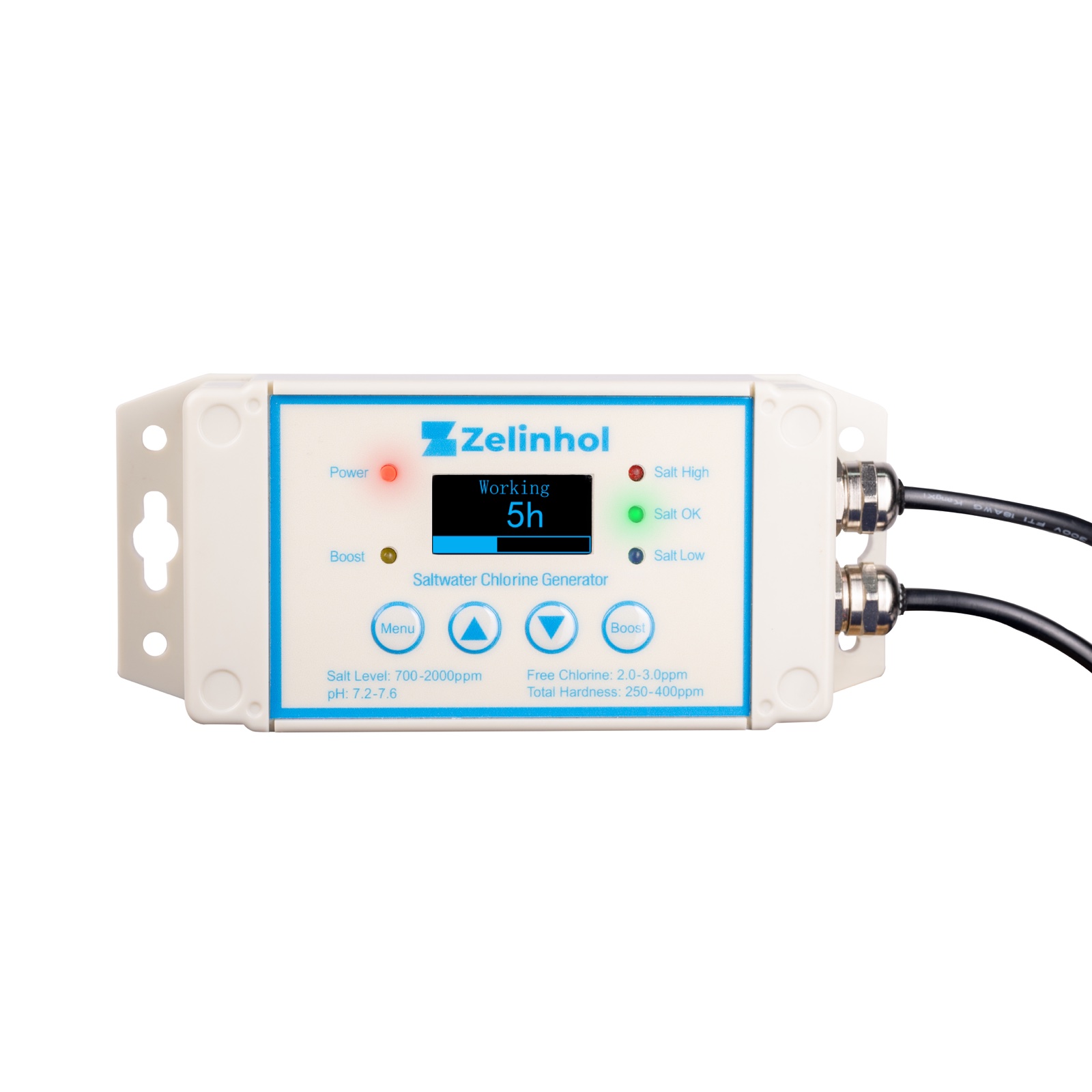
When generating chlorine, the LED lights indicate your salt levels instantly:
*If flashing Red, system shut down due to excess salt. Drain some water and refill to dilute.
The system runs automatically every 24 hours. The setting determines how many hours it works per cycle. Here is the complete work time configuration table:
| Work Time (Hours) | Spa Size (Gallons) | Spa Size (Liters) |
|---|---|---|
| OFF (always closed) | 0 | 0 |
| 1 – 2 hours | < 200 gal | < 760 L |
| 3 – 4 hours | 200 – 300 gal | 760 – 1150 L |
| 5 – 6 hours | 300 – 400 gal | 1150 – 1500 L |
| 7 – 8 hours | 400 – 600 gal | 1500 – 2300 L |
| 9 – 11 hours | 600 – 800 gal | 2300 – 3000 L |
| 12 – 15 hours | 800 – 1000 gal | 3000 – 3800 L |
| 16 – 23 hours | > 1000 gal | > 3800 L |
| ON (always on) | > 2000 gal | > 7500 L |
If you have a party or heavy usage, press and hold the BOOST button on the working screen to force continuous generation for 24 hours.
Cause: Salt level is too high.
Fix: Do the “Bucket Test”: Mix 2/3 spa water and 1/3 fresh water in a bucket. Test the electrode inside. If it turns Green, drain and refill your spa proportionally.
Cause: Calcium buildup from hard water.
Fix: Unplug the device. Soak the electrode in mild acid (like white vinegar) for 10-30 minutes, then rinse.
Cause: Work time is too short.
Fix: Increase the “Work Time” by 1-2 hours in the menu. Check levels again tomorrow.
Need Help? Contact Zelinhol Support
support@zelinhol.net | zelinhol.net